


The 5 best wireless CarPlay adapters (2026 comparison)
The adapters wireless CarPlay They are used to convert the CarPlay via cable that your car already has. in Wireless CarPlay (and in some models, also wireless Android Auto). The key: They don't "add" CarPlay to cars that don't have it., They simply eliminate the cable. This is emphasized by Carlinkit, AutoSky, and Ottocast in their guides and specifications.
Below you have a complete comparison of these 5 models.

Quick summary: Which one to choose?
Better overall (balance and compatibility): CarlinKit 5.0
If you want Netflix/YouTube on your car's screen: OTTOCAST Play2Video
A “simple and stable” option focused on CarPlay: AutoSky
Compact/Alternative Carlinkit 5.0: CarlinKit 3.0
Generic Amazon alternative: NHQZ Adapter (recommended if you're looking for the most basic options)
What to consider before buying
1) Your car must have factory-installed wired CarPlay.
This is requirement number 1. If your car only has "Wireless CarPlay" or no CarPlay at all, these dongles may fail or simply not work.
2) How they actually connect (Bluetooth + Wi-Fi)
Almost everyone does the same thing: They pair via Bluetooth. and then they pass the traffic to Wi-Fi (usually 5 GHz) For it to run smoothly. Ottocast explains it exactly like this in their FAQs.
3) Stability and calls
Some car models or brands can have issues with calls (eco, micro, etc.). For example, Ottocast warns of problems with certain models (like Skoda calls) and exclusions, such as BMW in some versions.
4) Over-the-Air (OTA) Updates
If you want to "buy once and forget about it," prioritize models with online firmware update. Carlinkit offers it in several models.
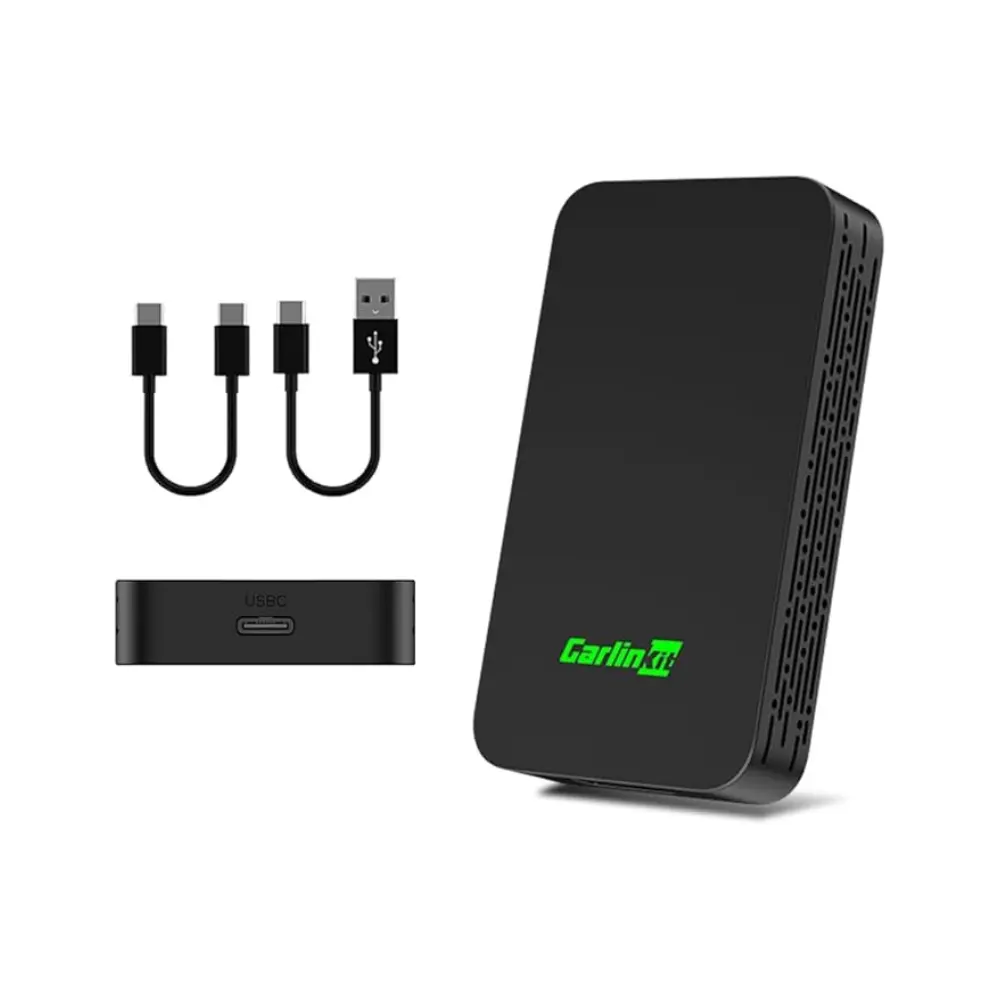
CarlinKit 5.0 Wireless CarPlay/Android Auto 2Air Adapter — Better overall
Who is it for?
For those who want Reliable Wireless CarPlay (and, if the car has it by cable, also Wireless Android Auto) without complicating things.
What are you doing
Carlinkit (in its modern 2Air/5.0 type line) clearly indicates that:
Convert Wired CarPlay → Wireless CarPlay
Convert Wired Android Auto → Wireless Android Auto
But It does NOT convert CarPlay to Android Auto (not the other way around).
Why it's usually a good buy
Very good overall compatibility (including popular aftermarket units).
They usually include options for update and connection settings.
Pros
Balance between compatibility, stability and support.
Good option if you have an iPhone and an Android at home (if the car has both connected via cable).
Cons
It may take a few seconds to start up (normal for this category).
If your car only has wired CarPlay and you want Android Auto, you need a model that specifically supports it (Carlinkit mentions this when comparing 5.0 vs 4.0).
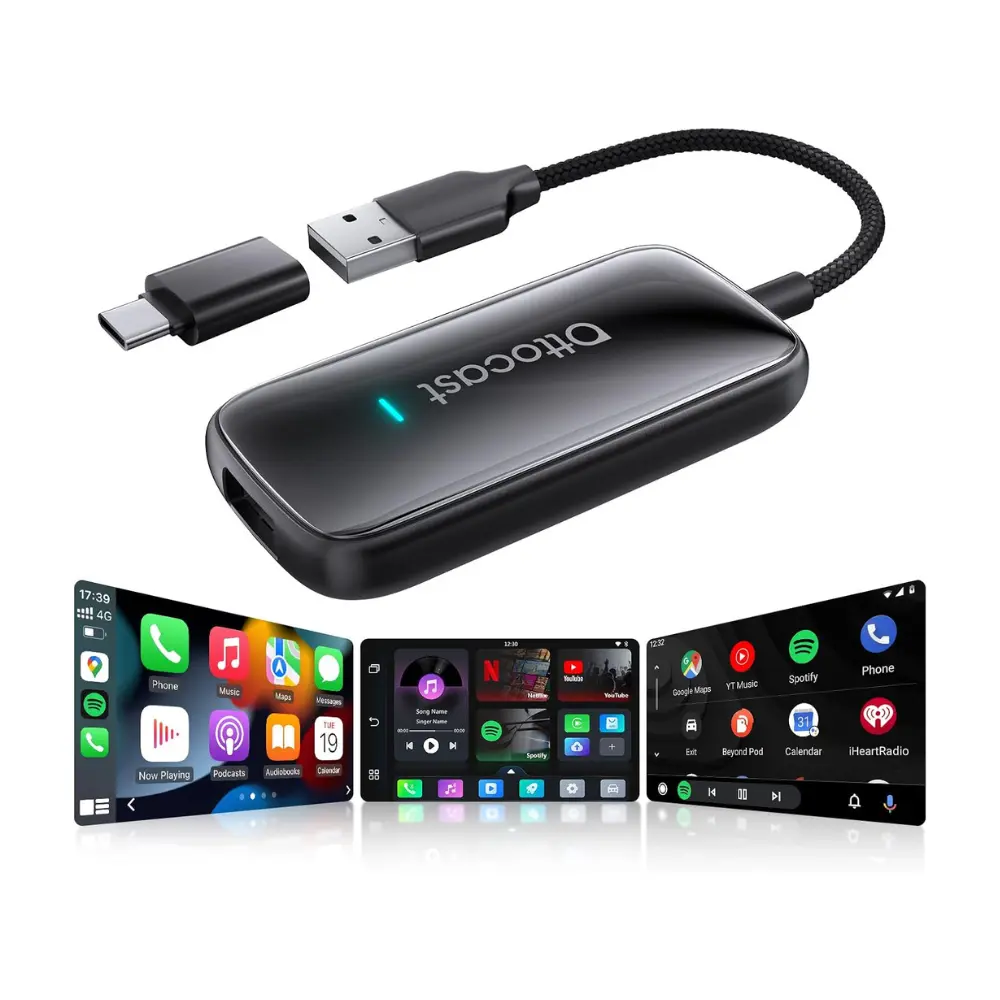
OTTOCAST Play2Video Ultra, 2026 — The best if you want video (Netflix/YouTube)
Who is it for?
For those who want Wireless CarPlay/Android Auto and also Watch streaming (Netflix/YouTube/IPTV/Spotify, etc.) from the car screen.
What makes it different
Ottocast sells Play2Video as an "all-in-one" solution with:
Wireless CarPlay and Android Auto
Integrated apps Netflix/YouTube type (and others depending on the version)
Plug & play approach for cars with Factory Wired CarPlay
Compatibility and warnings
Ottocast indicates exclusions/warnings in some cases (e.g., BMW and specific comments by make/model).
Pros
If your priority is "I want video on the screen", it's one of the most direct solutions.
It maintains the wireless CarPlay/AA base.
Cons
It's not the most "minimalist" option: you pay for the multimedia part.
Compatibility may vary more than with a simple dongle (due to extra features).
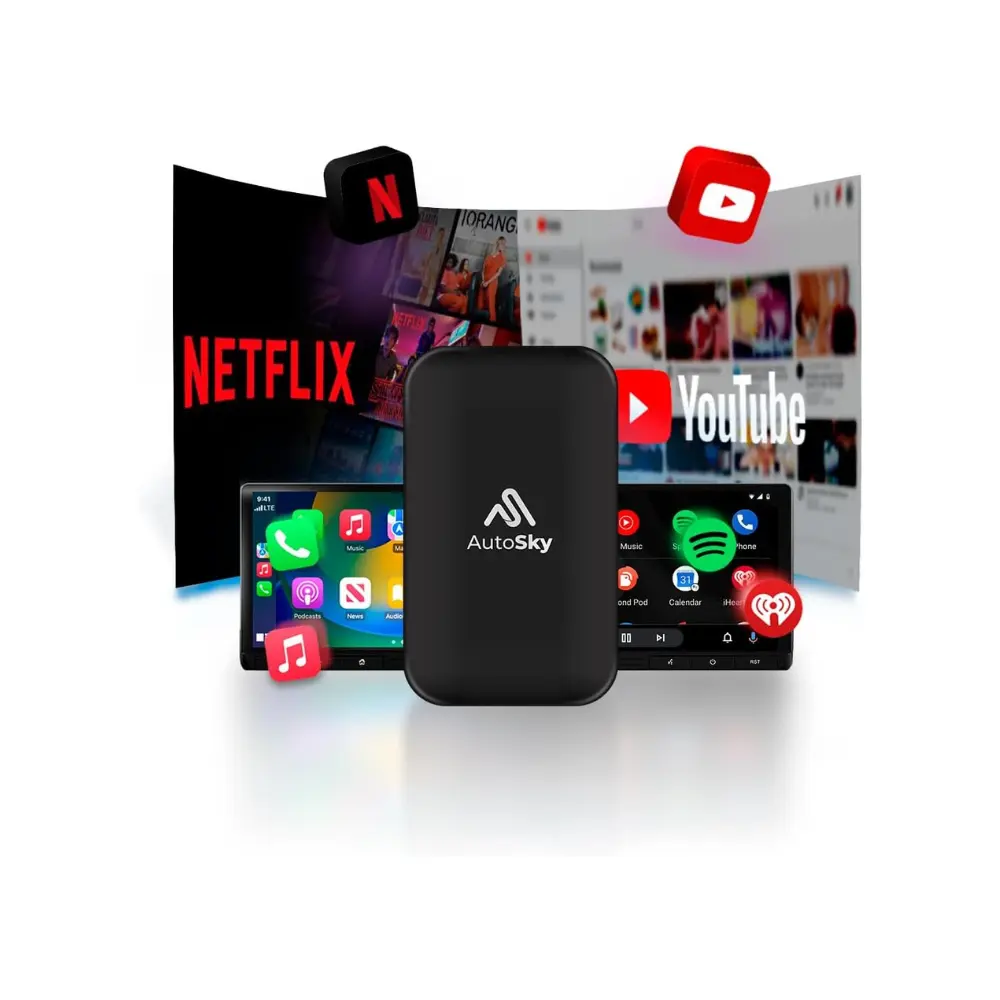
AutoSky — Simple and stable wireless CarPlay
Who is it for?
For those who primarily use iPhone and wants an experience simple, with good support and troubleshooting guidance.
Key requirement
AutoSky makes it very clear: you need Factory Wired CarPlay in the car.
How it works and what it promises
Match by Bluetooth and then it works because Wi-Fi.
In their fact sheets they refer to a module 5 GHz for better connection (in their models).
Pros
Brand with a very useful help center (if something goes wrong, you have clear steps).
A good option for "plug and forget".
Cons
If your car is "fussy" with CarPlay, you may need to try USB ports, restarts, etc. (AutoSky covers this in its guide).
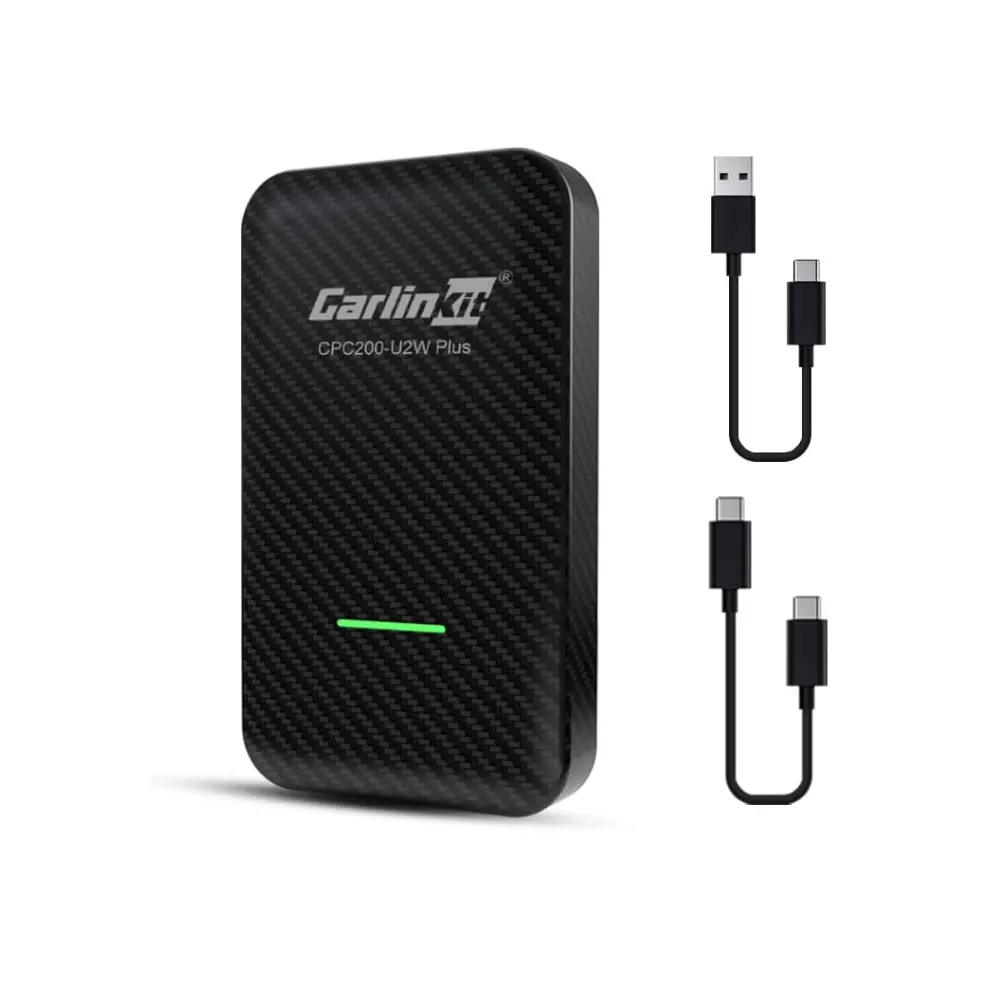
CarlinKit 3.0 — Compact alternative
Who is it for?
For those who want a "classic" (and very popular) Carlinkit alternative to switch from Wired to Wireless CarPlay, and in line 4.0 also Android support depending on the case.
Typical technical data (Carlinkit 3.0/4.0)
Their data sheet for the 3.0/4.0 series shows details such as:
Cortex A7 type CPU, 5 GHz band Wi-Fi, low power consumption, etc.
And they insist again: This only works if the car has wired CarPlay..
Pros
Very well tested in the market.
Good size/performance balance.
Cons
Carlinkit mentions cases where wireless Android Auto can cause more problems with certain manufacturers/screens (depending on the version).
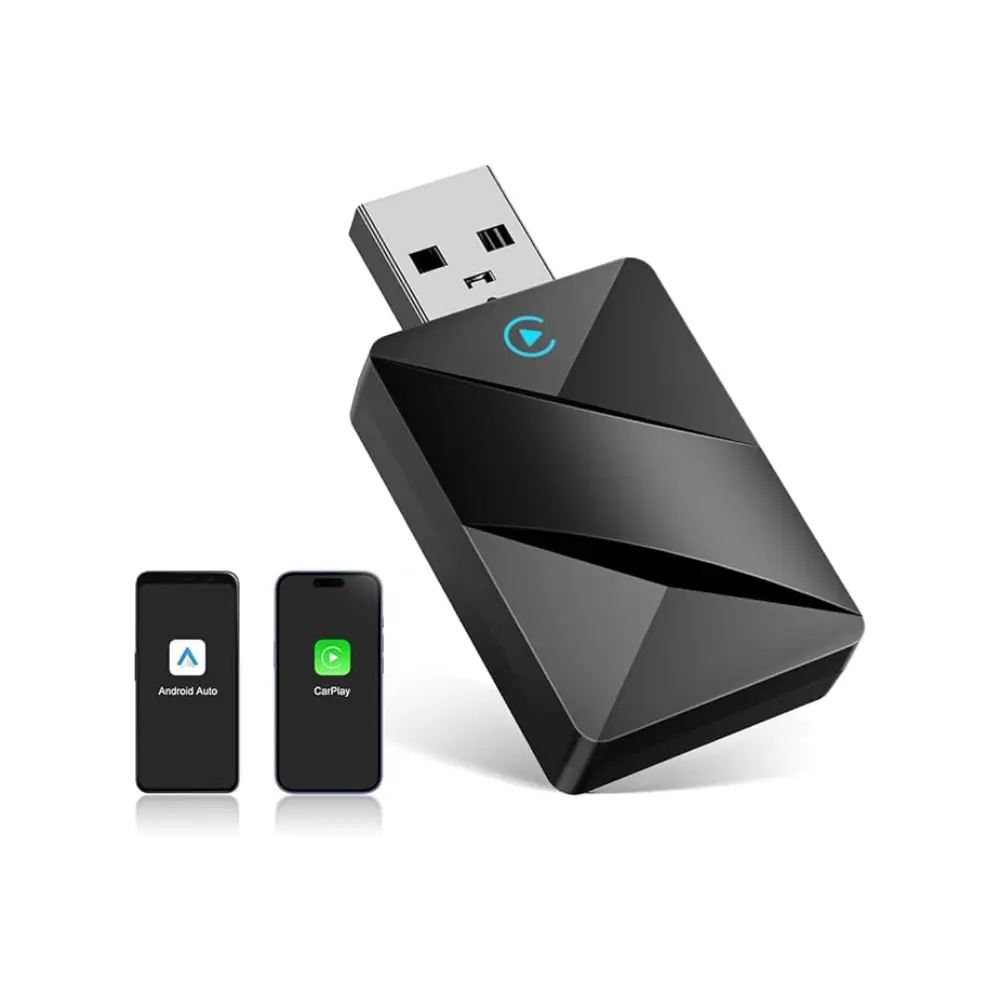
NHQZ Adapter — Generic “plug & play” alternative”
Who is it for?
For those who want an option economic and basic to convert Wired CarPlay → Wireless CarPlay, without paying for a "top" brand.
What to expect (realistic)
Although I haven't been able to extract the complete technical specifications from Amazon here (Amazon sometimes blocks scraping access), almost all of these adapters work on the same principle:
They require Factory Wired CarPlay
They pair up because Bluetooth and move on to Wi-Fi for actual use
Performance depends heavily on the car, mobile phone, and the "quality" of the chipset.
Pros
Usually cheaper.
If you get a good unit, it performs well.
Cons
More of a lottery: support and updates are usually worse than in brands with an ecosystem.
If you have cuts/lag, you'll have fewer tools to fine-tune.
Step-by-step installation (applies to all 5)
Turn on the car and connect the adapter to the USB data (not just cargo).
On mobile: activate Bluetooth + Wi-Fi.
Pair the device (it will appear as “CarPlayBox/AutoSky/…”) and accept permissions.
From then on, it should automatically turn on every time you start the engine.
Typical problems and quick solutions
CarPlay does not appear: confirm that your car has Wired CarPlay (car manual) and try another USB port.
It cuts out or runs slowly: If you can, use Wi-Fi 5 GHz (many adapters do this by default) and avoid leaving your mobile phone in areas with a lot of interference.
Unusual calls (echo/microphone): Check manufacturer notices (Ottocast mentions it for specific brands) and update firmware if available.
Frequently Asked Questions (FAQ)
Will it work if my car doesn't have CarPlay?
No, these adapters require the car to have Factory Wired CarPlay.
Does it use mobile data?
CarPlay itself doesn't "use data", but if your phone remains connected to the adapter's Wi-Fi network, Internet access is usually provided via mobile data. (normal behavior in this type of system).
Which one is the most recommended for most people?
If they are perceived as "extra" exterior lighting, you greatly increase the chances of a complaint or a failed vehicle inspection.
Share:
Table of contents
More entries

Send a message
 English
  Spanish
  Dutch
Dutch  German
  French
  Portuguese
  Italian
  Greek
Greek  Polish